Selecting an edge treatment
What it is: a recorded finish for chosen component edges. None means no edge treatment is required for that part.
- None
- No edge banding is recorded and no edge-banding readiness issue should be created.
- Edge Banding
- Choose a standard nominal thickness or enter a Custom thickness.
- Edge selection
- Select individual facing or other intended edges. Select All applies the treatment to every selectable edge in that component group.
- What it changes
- Edge schedule, material requirements, drawings and manufacturing identity.
- Example
- Band only the visible front edge of an internal shelf rather than assuming every exposed edge is treated.
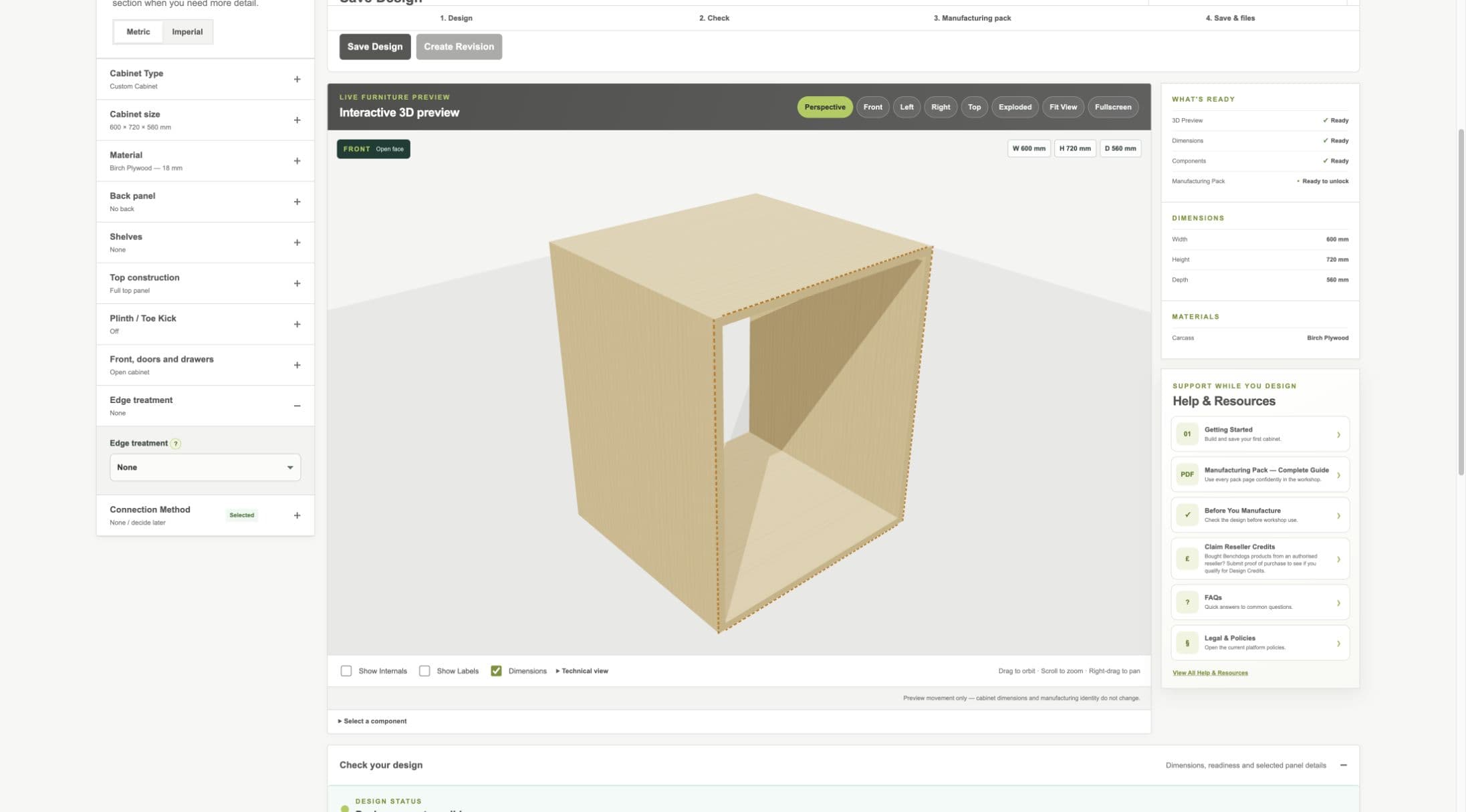
Current staging edge workflow. Only explicitly selected edges receive treatment.
- Edge Treatment section
- Treatment and thickness
- Part edge result
V1 panel-size rule
V1 records edge treatment separately and does not automatically change panel cut sizes for edge-banding compensation. The finished component size remains the cut size shown by the Designer.