What the Cabinet Designer does
The Cabinet Designer turns your finished cabinet dimensions and construction choices into one consistent cabinet model. That model drives the live 3D preview and, when unlocked, the Manufacturing Pack.
You do not need CAD experience. Work through the labelled sections, check the preview and correct any highlighted input before moving on.
- Design and change the cabinet for free.
- See the cabinet in 3D while you work.
- Save the design to your Benchdogs customer account.
- Unlock a revision-specific Manufacturing Pack with a Design Credit.
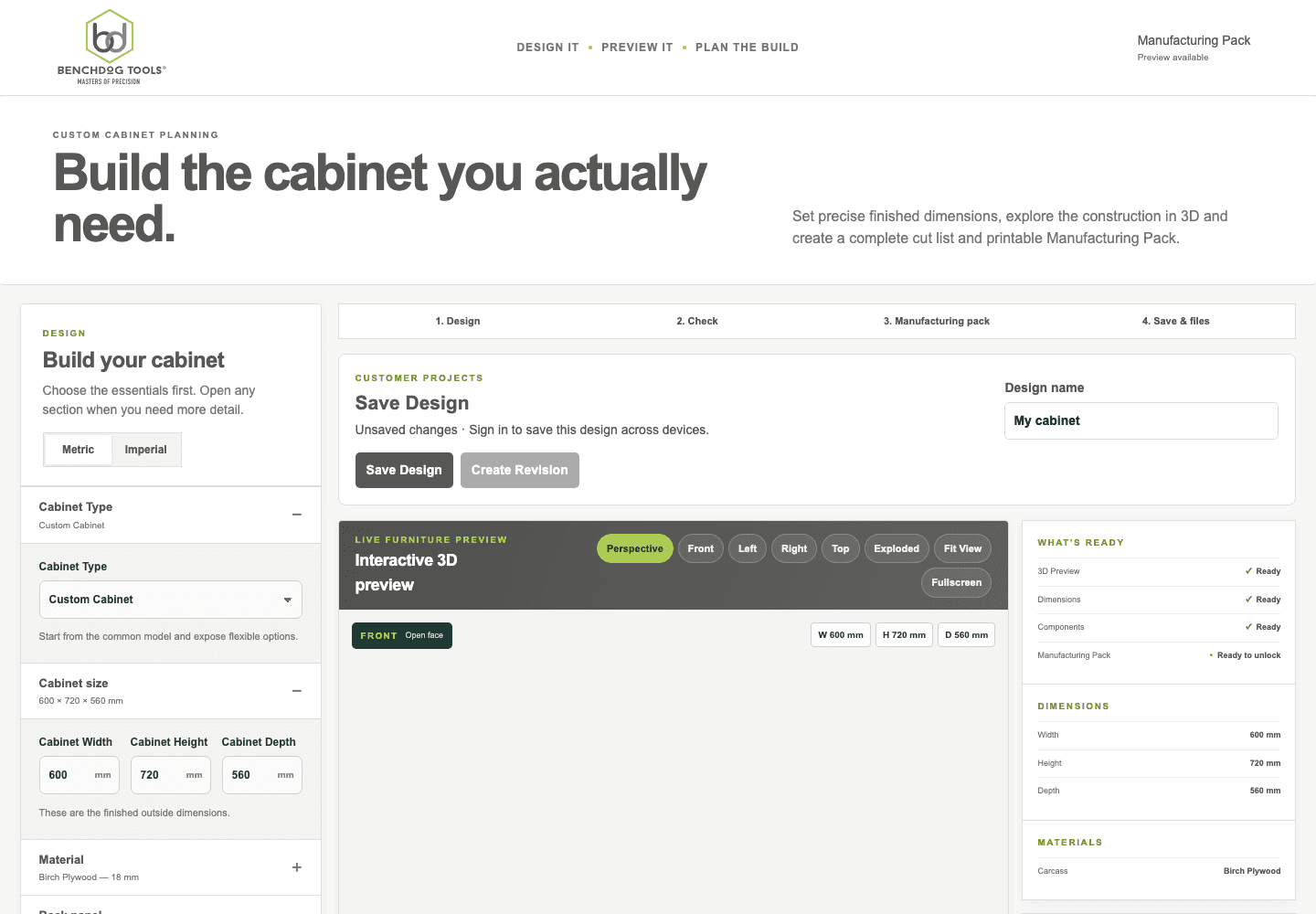
Actual staging Designer. Numbers identify the main parts of the first-cabinet workflow.
- Build controls
- Save the design
- Interactive 3D preview
- Current readiness
What is free and when a credit is used
Designing, changing inputs, viewing the 3D model and saving are free. Preview information is also available before purchase.
One Design Credit is used only after you confirm generation of the complete Manufacturing Pack for a saved revision and generation succeeds. Re-downloading that same entitled revision does not use another credit.
Your first cabinet walkthrough
Start with a simple cabinet and change one group of choices at a time. The detailed five-minute guide is also available from the Help Centre.
- Choose the cabinet typePick the closest currently supported cabinet type.
- Enter the finished sizeSet the outside width, height and depth required in the room.
- Choose constructionConfirm materials, back, shelves, fronts, plinth, edges and connections that apply.
- Inspect in 3DOrbit the model, use fixed views and check internals or labels where useful.
- SaveSign in and give the design a useful name before creating a manufacturing revision.
- Check and unlockReview the exact revision, complete the required verification and generate the Manufacturing Pack when ready.